Instrument Settings
wrmXpress can be used with a variety of data structures. Some pipelines require a particular structure - these requirements can be found in the relevant pipeline documentation. For more information, please see the data organization documentation.
Potential structures
ImageXpress + Single Well
- Data is structured as TIFF files in TimePoint folders (see more).
- Each TIFF image includes a single well.
- Potential naming pattern:
{plate name}_{well}.TIF{plate name}_{well}_{wavelength}.TIF
Examples:
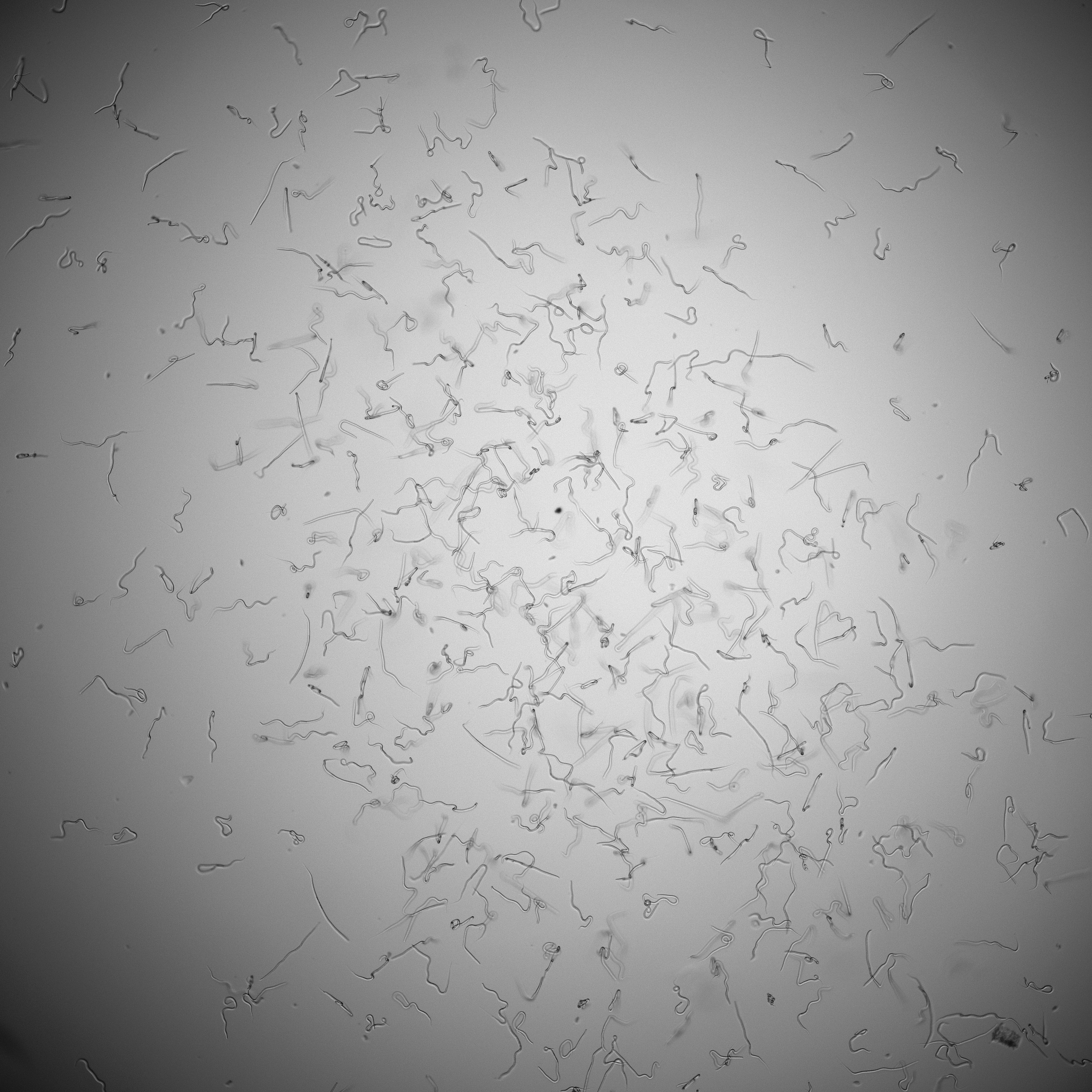
96-well plate, 4X
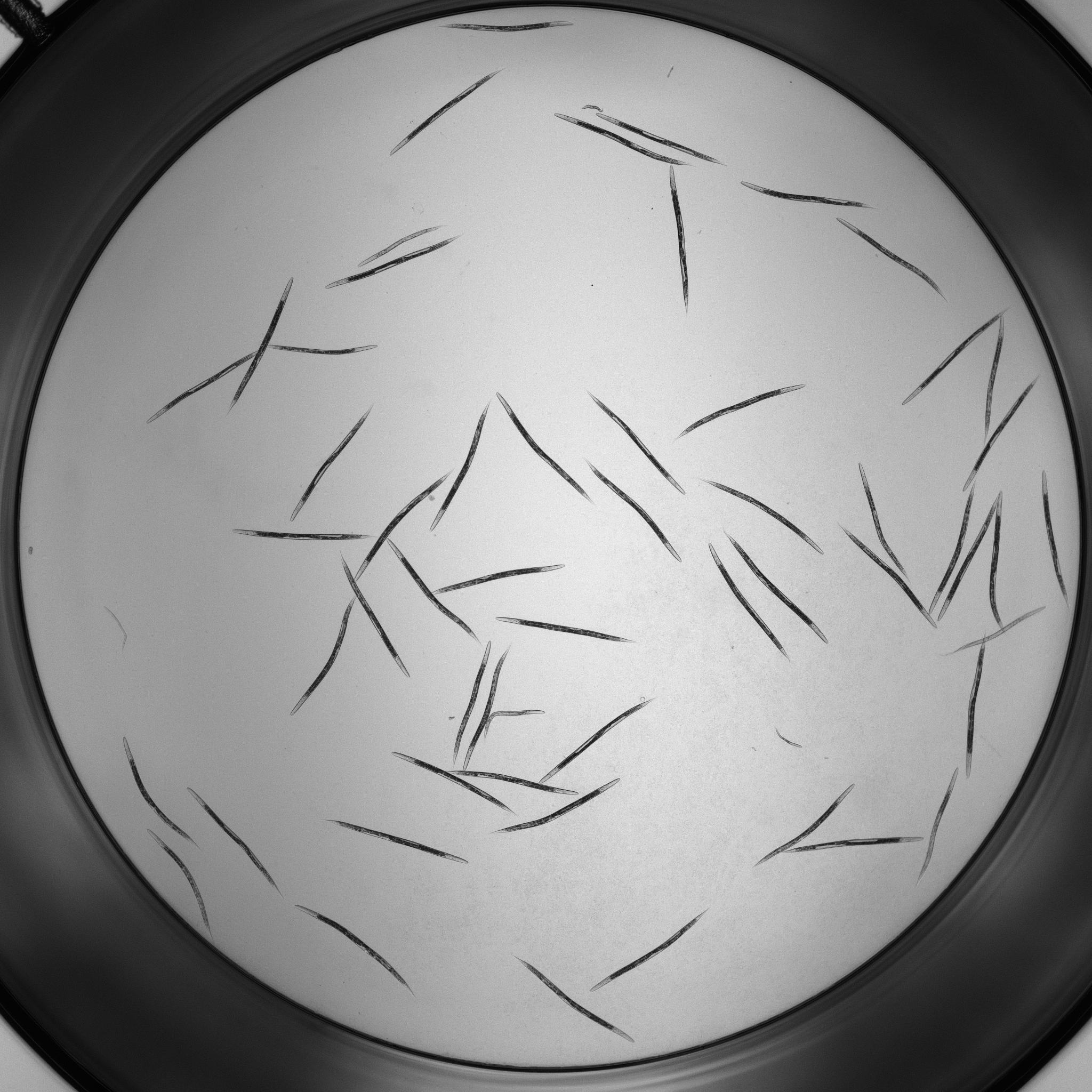
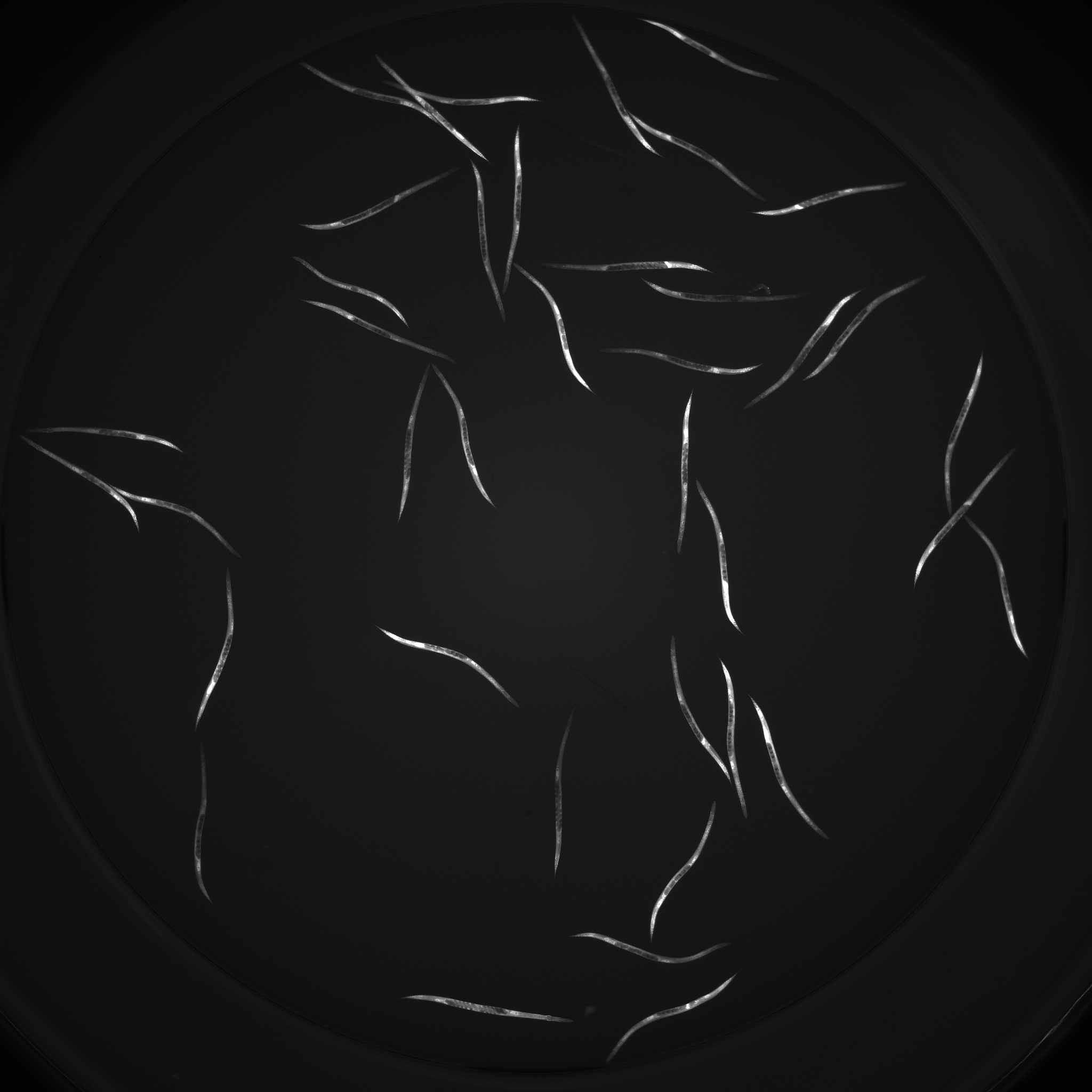
96-well plate, 2X, Multi Wavelength
ImageXpress + Multi Well
- Data is structured as TIFF files in TimePoint folders (see more).
- Each TIFF image includes more than 1 well.
- Input the number of wells in each row/column of the image (integers).
- For Plate format, input the total number of rows/cols on the plate
384-well plates
The Multi Well functionality is designed for 384-well plates. These have 24 columns and 16 wells, and imaging often occurs in 2 wells per row/column in each image.
ImageXpress + Multi Site
- Data is structured as TIFF files in TimePoint folders (see more).
- Each TIFF image includes a portion of a single well.
- If the pipeline should first stitch the images together, select stitch. If the pipeline should analyze each site independently, leave it unselected.
- Potential naming patterns:
{plate name}_{well}_{site}.TIF{plate name}_{well}_{wavelength}_{site}.TIF
Examples:
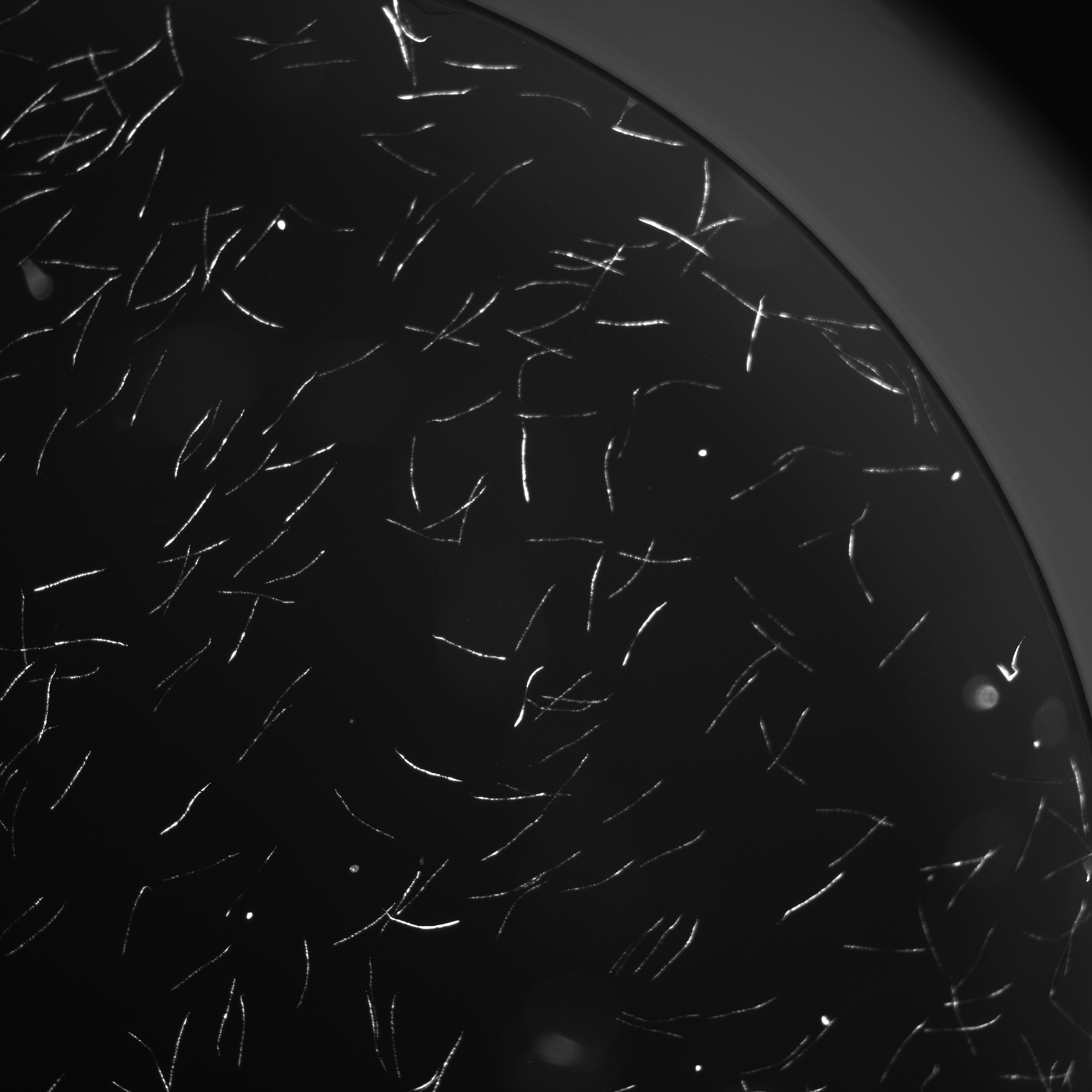
Without stitching



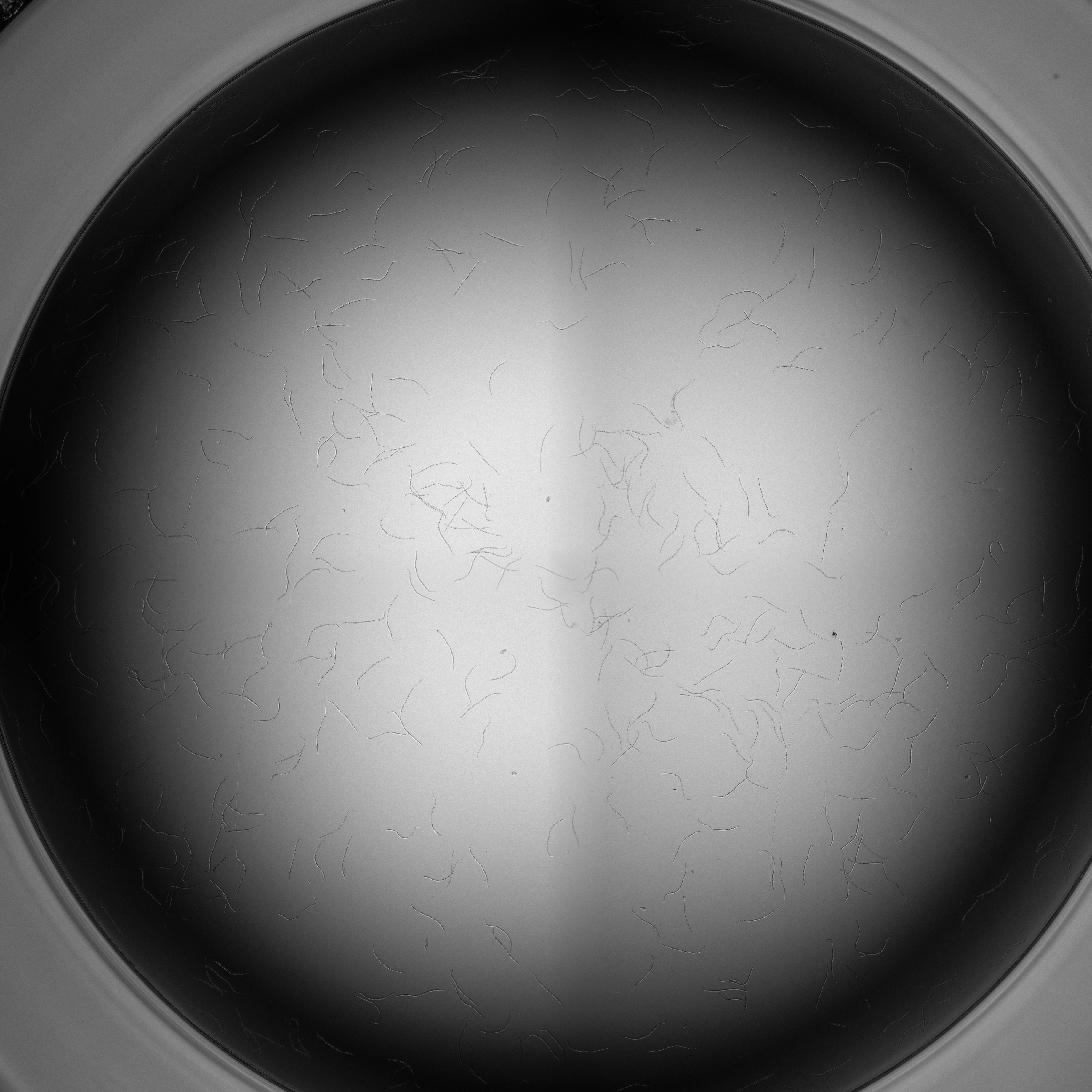
With stitching
AVI + Single Well
- Videos are stored in AVI containers (see more).
- Each AVI video includes a single well.
- Potential naming patterns:
{plate name}_{well}.avi
Examples:

AVI + Multi Well
- Videos are stored in AVI containers (see more).
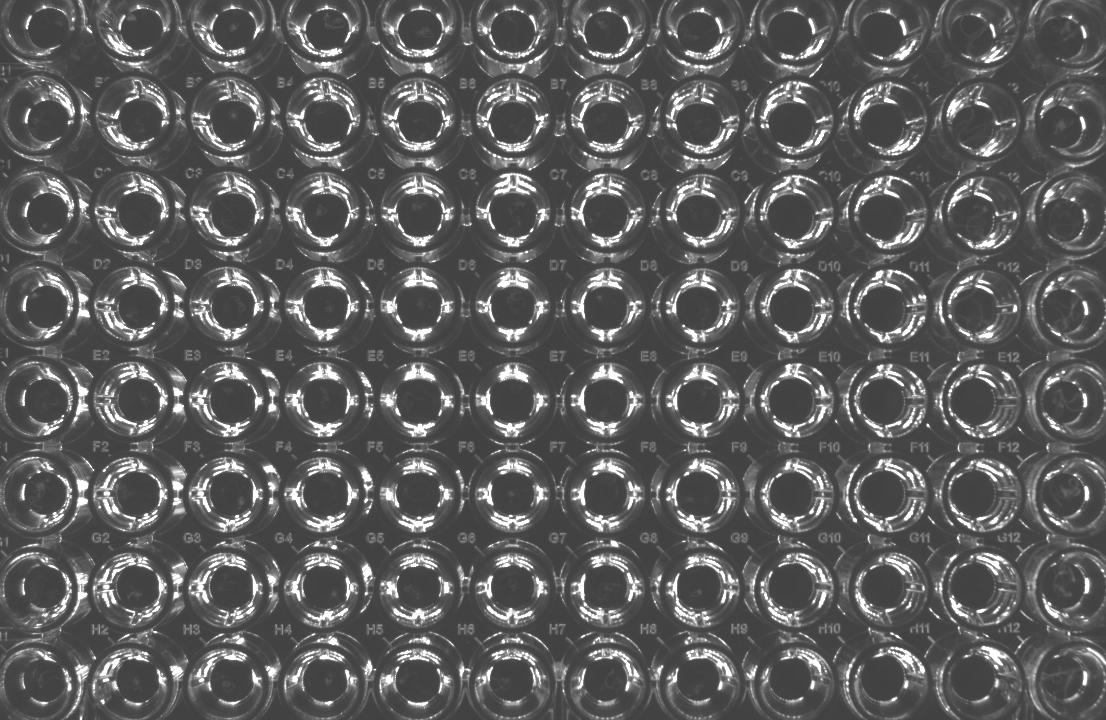
- Each AVI video includes more than 1 well (i.e., an entire plate).
- Set the Plate format to the true number of columns and rows (i.e., 12 and 8 or 6 and 4)
- Set the Rows/Columns per image to 1
- The Grid cropping option will split the video into a grid of
rowsandcolumnsbased on user input. More cropping options may be developed in the future.- For Grid cropping, it's important to pre-crop images so that the edges of the plate are removed. Grid cropping will simply crop equivalent rectangles based on the number of rows and columns.
- Potential naming patterns:
{plate name}.avi
Examples:
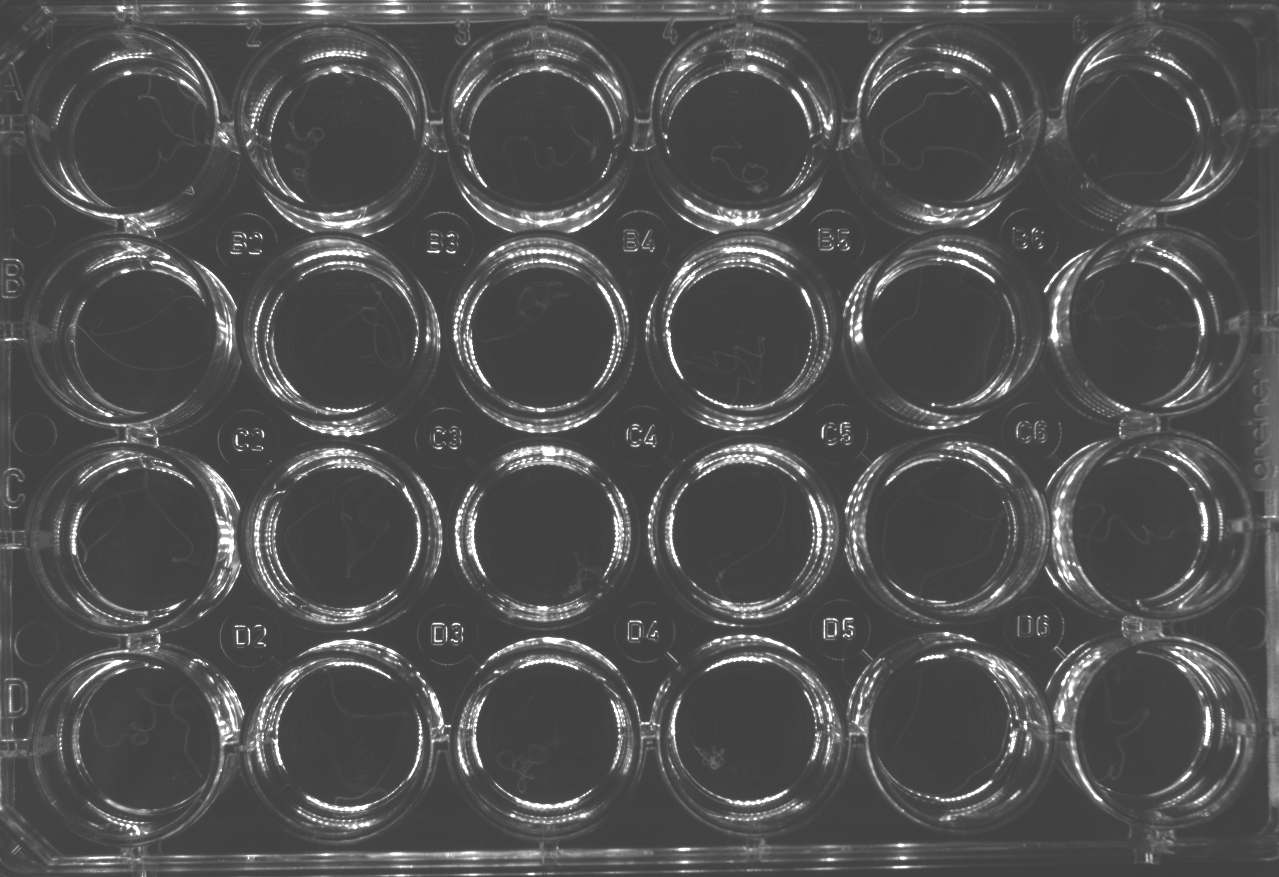
96-well plate
24-well plate